

Markdown.md
ProductivityRead Markdown, Beautifully
A beautiful, offline Markdown reader and editor with diagrams, themes, GitHub import, and export to PDF, HTML, and more. No account, no tracking.
Read Markdown, Beautifully
Headings, tables, code, task lists, and blockquotes render with real typography — clean, readable, and fast. Every document opens instantly, 100% offline.
Write with a Live Editor
A syntax-highlighted editor with a formatting toolbar, one-tap inserts for links, images, tables, and code, plus autosave, live preview, and word and reading-time stats.
Highlight and Come Back
Highlight passages in five colors, add a quick note, and every bookmark lands in a searchable list — jump right back to any line, any document, in seconds.
Themes and Type, Your Way
Pick from 14+ built-in themes — GitHub, Solarized, Dracula, Nord, Tokyo Night, Gruvbox, and more — plus backgrounds like Paper or Sepia, custom fonts, text size, line spacing, and reading width.
Your Whole Library, Organized
Group docs into folders, tag them by topic, and search the full text. Sort by name, created, or last opened, filter by folder or tag, and switch between list and grid.
Jump Anywhere Instantly
A searchable outline reveals every heading, a scrubber flies through long documents, and live find highlights matches as you type — always land right where you want to.

Every Image, Link, and Snippet
The Attachments panel gathers every frontmatter field, code block, diagram, image, link, video, and footnote into one searchable place — copy code, open links, or save images.

Export to PDF and HTML
Turn any document into a polished PDF, HTML, Markdown, or plain-text file — preview before sharing and back up your whole library whenever you need a portable copy.

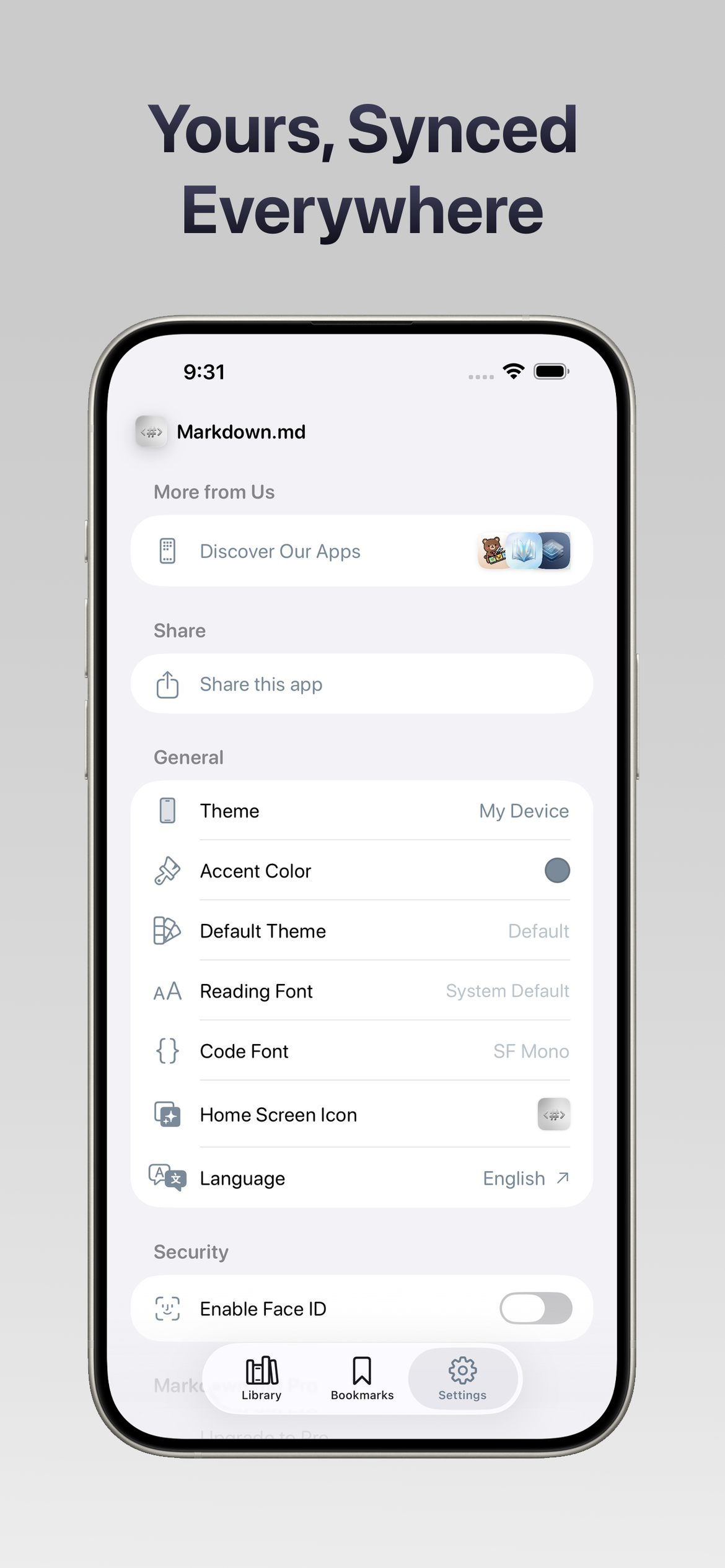
Yours, Synced Everywhere
Pick a theme, accent color, home-screen icon, reading and code fonts, and language — then lock the app with Face ID and turn on iCloud sync for iPhone, iPad, and Mac.
Diagrams That Render Themselves
Mermaid flowcharts, sequence, Gantt, class, and state diagrams, plus Excalidraw sketches, LaTeX math, and SVG all render inline — no browser, no plugins, no internet.