


PageExtract
UtilitiesText, Images, Fonts & Source
Pull apart any web page — extract text, images, fonts, CSS, JavaScript, links, and metadata. Save to your library, batch process URLs. On-device, private, no uploads.
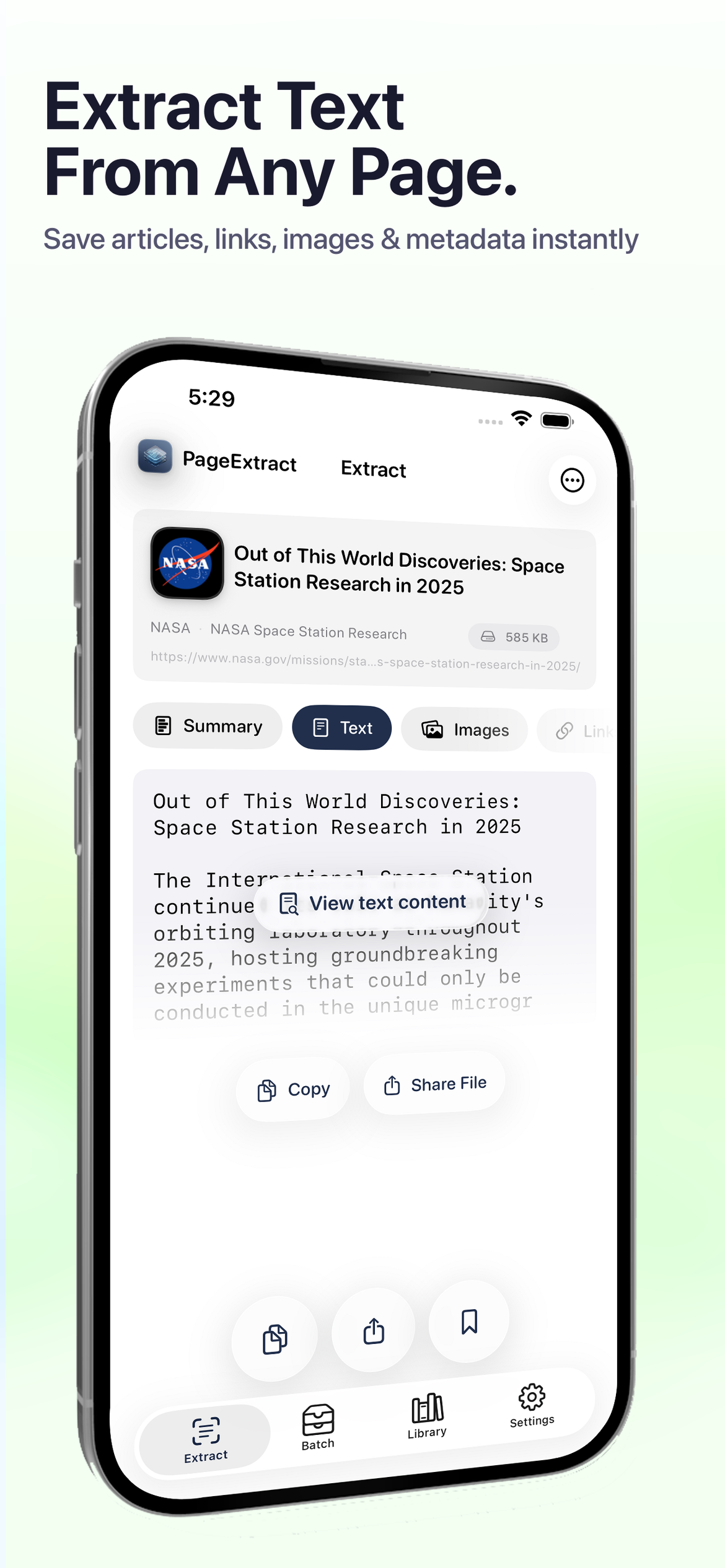
Extract Text From Any Page
Get clean, readable article text free of ads and clutter. Copy to clipboard or share as plain text, Markdown, or PDF with a single tap.
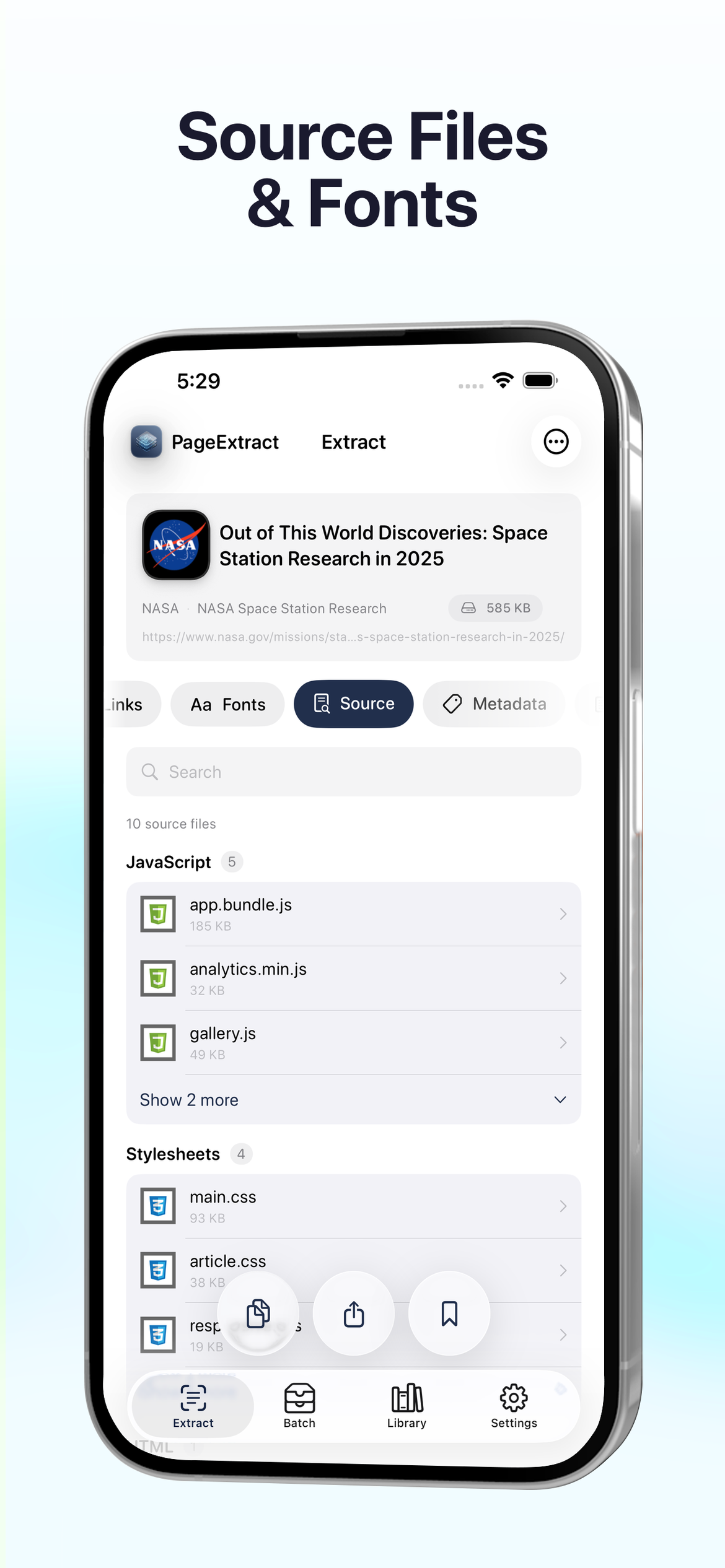
Inspect Source Files & Fonts
See every JavaScript, CSS, and font file a page loads. View file sizes, drill into individual files, and understand exactly what powers any website.
Browse Raw Source Code
View JavaScript and CSS with syntax highlighting and line numbers. Minified files are automatically formatted so you can read and understand any page's code.
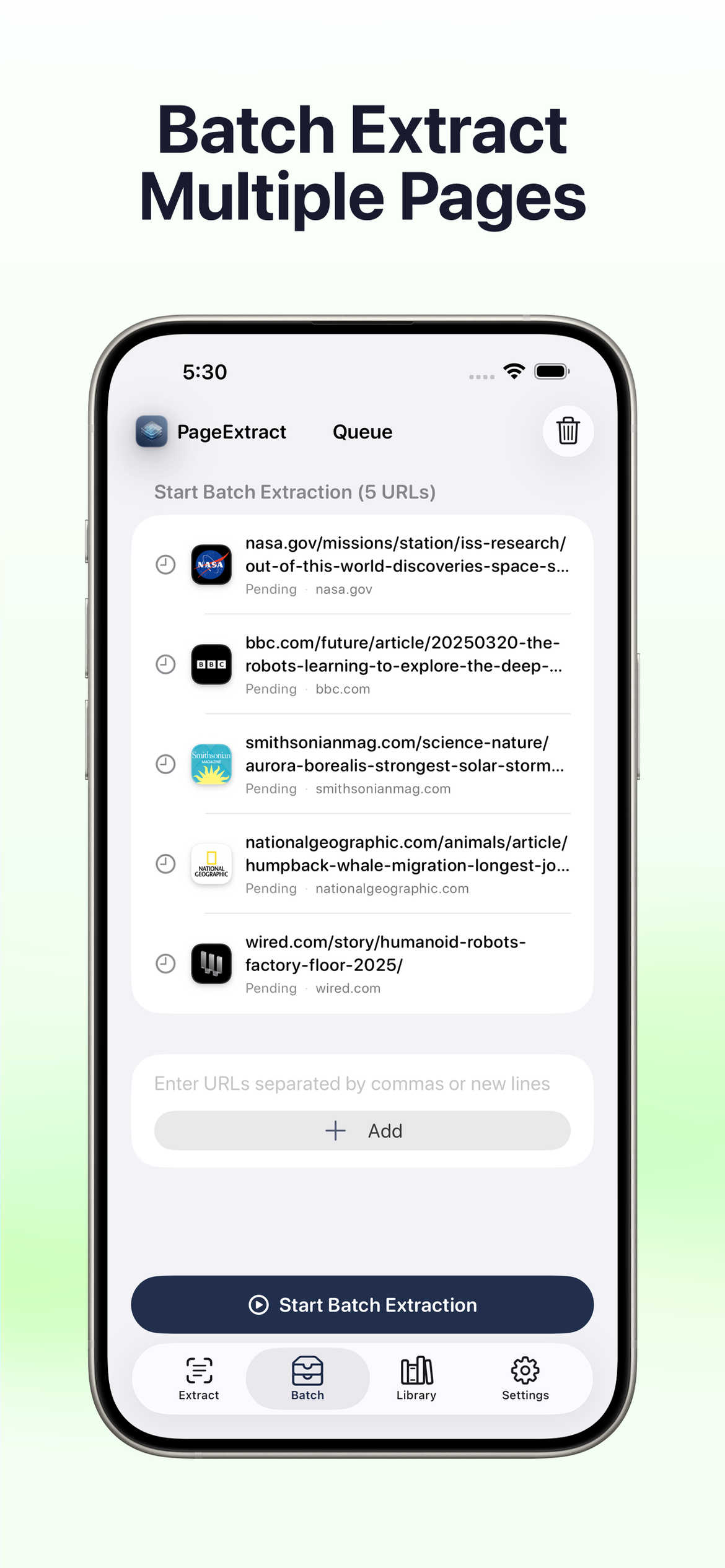
Batch Extract Multiple Pages
Queue up multiple URLs and extract them all at once. Perfect for research, site auditing, content archiving, or migrating content between platforms.
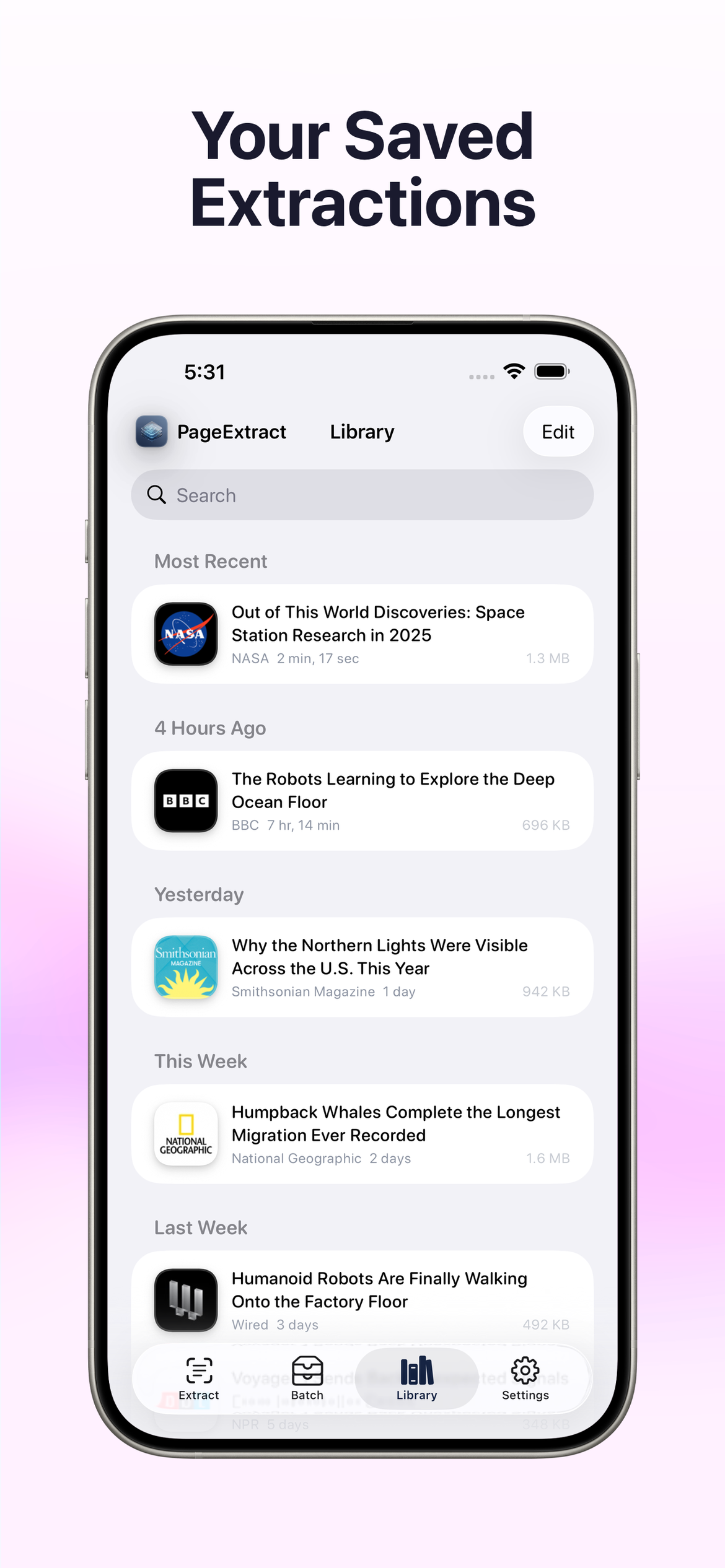
Your Saved Extractions
Build a searchable library of every page you've extracted. Each entry preserves the full article, images, links, fonts, metadata, and source files for offline access.
iCloud Sync & Privacy Controls
Keep your library in sync across all your devices with iCloud. Lock the app with Face ID or Touch ID. All extraction happens on-device — no server uploads, no tracking.

Deep Content Analysis
Get a complete summary of any page at a glance — text size, image count, fonts, source files, metadata entries, links, word count, and total data size all in one dashboard.